






 Issue 61Three weeks with no motorway
Product · Writing & design
Write it, send it,and make it look like yours.
A block editor with 27 elements, a three-step publish flow, several newsletters under one roof, and a site you can restyle down to the template code.
27Editor elements
1 Free · 3 Creator · unlimited ProNewsletters
From $29Own domain
From $29Branding removed
18, code editableOfficial themes
The short answer
You write in a block editor: type, or press slash for any of 27 elements, including blocks that only appear in the email. Publishing is three steps, and you choose whether a post goes to the site, the inbox or both. Every plan gets the full editor and theme settings. Your own domain and TribeTale branding removal start on Creator at $29.
The editor
Type, or press slash.27 elements, one menu.
A block editor for long posts: plain text by default, with every other element behind the slash or plus menu.
The 27 elements fall into four groups. Write and show: Image, Gallery, Markdown, HTML, Divider, Bookmark, Callout, Toggle, Header, File, Video, Audio, GIF. Email and access: Email content, Email call to action, Public preview. Convert: Button, Call to action, Signup ("Convert visitors into members"), Product ("Add a product recommendation"). Embed: Unsplash, YouTube, Vimeo, Spotify, SoundCloud, CodePen, Transistor.
If you prefer to write elsewhere, the Markdown block takes Markdown and the HTML block takes raw HTML.
Every image and file you upload lands in your media library, so you can find it and use it again in the next post.
Write in more than one language? Publish the same post in each language your readers speak.
- 01
Start a post
Press "Create new post". Fill in "Post title", then "Begin writing your post". "Add feature image" and "Add an excerpt" when you are ready; the image takes alt text and a caption.
- 02
Insert a block
Type / on an empty line and start typing the element's name, or use the plus button. "Callout" makes "Info boxes that stand out"; "Toggle" adds collapsible content; "Bookmark" turns a link into a visual card.
- 03
Decide who sees each block
Most blocks have visibility toggles. On the web: "Public visitors", "Free members", "Paid members". In email: "Free members", "Paid members". A thank-you paragraph can go to paying readers only.
- 04
Let it save
Drafts autosave as you type. Post history keeps earlier versions, so you can step back if an edit goes wrong.
On each planCompare plans
FreeFull editor, all 27 elements
CreatorFull editor, all 27 elements
ProFull editor, 5 staff seats
BusinessFull editor, 15 staff seats
Worth knowing
- Rich embeds cover the seven services in the menu. Any other link becomes a Bookmark card, or paste its embed code into an HTML block.
Publish and send
Three steps,and a test email first.
One flow decides where a post goes, who gets it and when, with an email preview and a test send before anything reaches a list.
Three blocks exist for the inbox. "Email content" is "Only visible when delivered by email": a note for subscribers that never shows on the site. "Email call to action" lets you "Target free or paid members with a CTA". "Public preview" marks where a members-only post stops for non-members, so the intro can "Attract signups".
"Email only" sends a newsletter without putting the post on your site. A scheduled post can be pulled back with "Unschedule and revert to draft".
- 01
Preview it as an email
Open "Preview" and switch between "Web" and "Email". The email view can show the post as a "Free member" or a "Paid member" sees it. Type an address into "Email address to receive preview" and press "Send" for a real test.
- 02
Choose the options
Press "Publish". The first screen reads "Ready, set, publish. Share it with the world." Pick "Publish and email", "Publish only" or "Email only", the newsletter, which members receive it, and "Right now" or "Schedule for later".
- 03
Final review
Press "Continue, final review". The next screen spells out what will happen in a sentence. Confirm with "Publish & send"; the button shows "Publishing & sending" while it works.
- 04
Done
"All set!" and "Boom. It's out there." with a card for the post, then "Back to dashboard". If a send fails you get "Retry sending email" instead.
On each planCompare plans
FreeFull flow, 2,500 subscribers
CreatorFull flow, 10,000 on our sending
ProFull flow, 50,000 on our sending
BusinessFull flow, 200,000 on our sending
Worth knowing
- Inboxes may clip an email over 100kB behind a "View entire message" link. The publish screen shows the size ("This email is …kB") so you can trim it first.
- Subscriber limits apply to sending we handle. On your own sending provider (Creator and up) we stop counting.
Themes and your domain
A real website,at your own address.
Your publication is a full website with a theme, design settings and, from Creator, your own domain.
Not sure where to start? Describe the look you want and the AI theme builder makes the theme for you. Or browse the theme marketplace and install a ready-made design from another publisher in a click.
- 01
Pick a theme
Open "Design & branding" and choose from 18 official themes, among them Source, Casper, Edition, Journal and Headline. "Preview" a theme before you "Activate" it, or "Upload theme" for one of your own.
- 02
Set the brand
Choose an "Accent color", "Publication icon", "Publication logo" and "Publication cover". Under "Typography" pick a "Heading font" and "Body font", such as Inter, Merriweather, Space Grotesk or Noto Serif, or keep "Theme default".
- 03
Edit the code if you want
"Edit code" opens the theme's files in the browser. Create, rename or delete files, then "Save theme" or "Save as new theme". "Download" gives you a copy.
- 04
Connect your domain
Under "Custom domain", enter an address such as blog.example.com. The page shows the DNS record to add; press "Check DNS" until it says "DNS verified".
Sunday Supper
One slow, generous recipe for the weekend, every Friday.
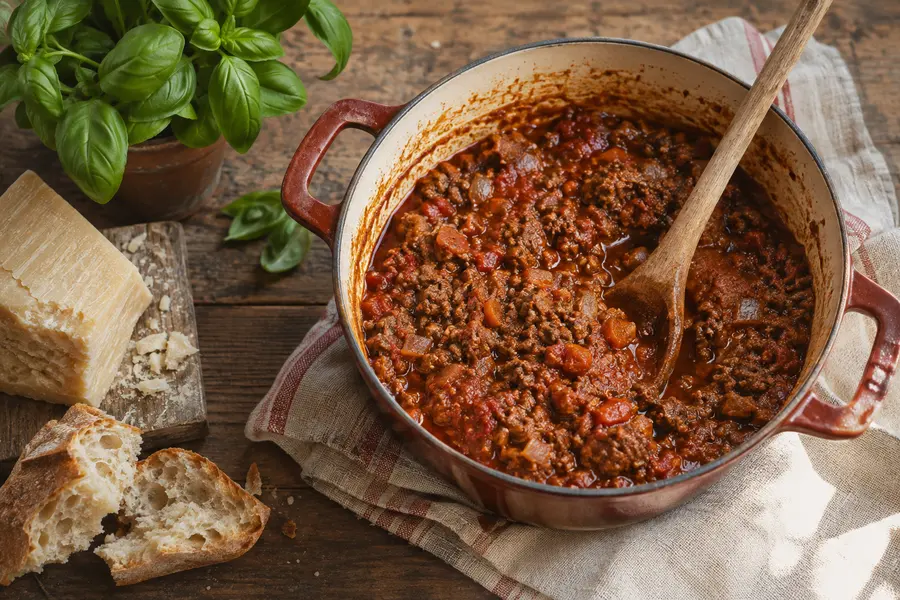 RecipesThe ragù my nonna wouldn't write down
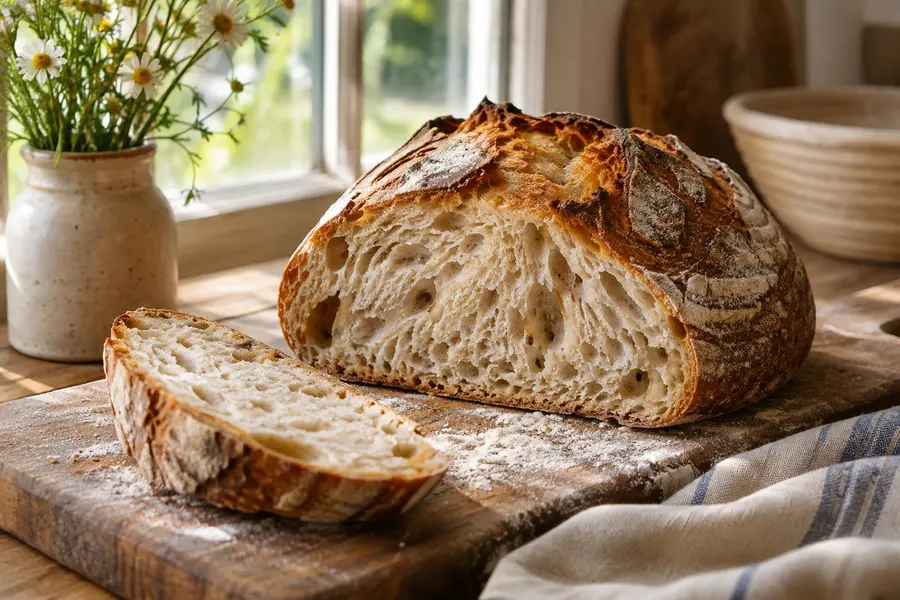 BakingYour starter isn't dead, it's sulking
 SeasonalTen tomatoes worth waiting for
 Casper themeMarco Bellini · Sunday Supper
Featured Priya Nair · 6 min read
The boring budget that finally stuck
Plain-English money notes for people who'd rather be doing anything else.
Priya Nair · 6 min read
 Why I stopped checking my pension4 min read
 An emergency fund, in three dull steps5 min readSource themePriya Nair · Compound Notes

The Allotment
What to sow, what to save and what the slugs got this week.
your@email.comSubscribe
Sow these before the first frostOct 30

A very good year for beetrootOct 23
 Edition themeTom Whitaker · The Allotment

Sofia Reyes · Long drives, small towns and the meals in between.
Issue 61Three weeks with no motorway Issue 60The village that only opens on SundaysJournal themeSofia Reyes · Slow Roads
Monday 3 November
Northfield Weekly
News · Town hall · Community · Sport · BusinessTown hallCouncil backs plan to reopen the old libraryCommunitySaturday market moves to the square
SportNorthfield Juniors reach the county final
BusinessNew bakery queue round the block
 Headline themeLeo Brandt · Northfield Weekly

Shipped
What small software teams actually ship, read aloud every week.
Ep. 48 · The two-person startup32 min
Ep. 47 · Shipping on a Friday28 min
Ep. 46 · Pricing without a spreadsheet35 min
Episode themeRohan Mehta · ShippedExample sites · fictional creators, real theme layouts · 18 official themes to choose from
On each planCompare plans
FreeThemes and design, our address
CreatorYour own domain
ProOwn domain on 3 sites
BusinessOwn domain on 5 sites
Compared with
- Substack
- Substack offers a custom domain for a one-off fee. Its design options are far narrower than an editable theme.
- beehiiv
- beehiiv gives you your own domain on its free tier. We start at $29, so on this point they win.
Worth knowing
- Editing theme code assumes you are comfortable with templates. Use "Save as new theme" to keep the original untouched.
Your brand only
Your name on it,and nobody else's.
From Creator, the "Powered by TribeTale" line comes off your site and the badge comes off your newsletters; Business adds white-label transactional email.
- 01
Move to Creator
On Free the site footer and the newsletter footer carry "Powered by TribeTale". The newsletter setting reads "Upgrade your plan to hide the TribeTale badge."
- 02
Switch the badge off
On Creator the site footer branding disappears on its own. In each newsletter's design, turn off "Show the Powered by Badge".
- 03
Add your domain
Connect your custom domain so the address, like the design, is yours.
On each planCompare plans
FreeTribeTale branding shown
CreatorBranding removed, site and newsletters
ProBranding removed, site and newsletters
BusinessPlus white-label transactional email
Compared with
- Substack
- Substack does not let you remove its branding.
- beehiiv
- beehiiv removes its branding from $96 a month. Here it is $29.
Worth knowing
- Below Business, sign-in links and signup confirmations still carry a small "Powered by TribeTale" line.
Questionsanswered plainly.
Can I write in Markdown or paste HTML?
Yes. There is a Markdown block and an HTML block next to the visual ones.
Can I send an email without putting the post on my site?
Yes. Choose "Email only" in the first publish step.
Can I see the email before my list does?
Yes. "Preview" shows the email as a free or paid member would see it, and "Send test email" sends it to any address you type.
Can readers get one newsletter and not another?
Yes. Each newsletter has its own subscribers, and readers manage them under "Choose your newsletters".
Do I need my own domain?
No. Every site gets a default address. Connecting your own starts on Creator.
Can I change the theme's HTML and CSS?
Yes. "Edit code" opens the theme files in the browser, or you can download a theme, change it locally and upload it.
Can my AI assistant write in this editor?
Your own assistant can create and update drafts over MCP, and they open here for you to edit. Publishing from it asks you first.
Product
The rest of itone page per job.
Your tribe. Your tale.Your terms.
Join the waitlist. Bring your list over when we open, and keep every cent your readers pay you.